

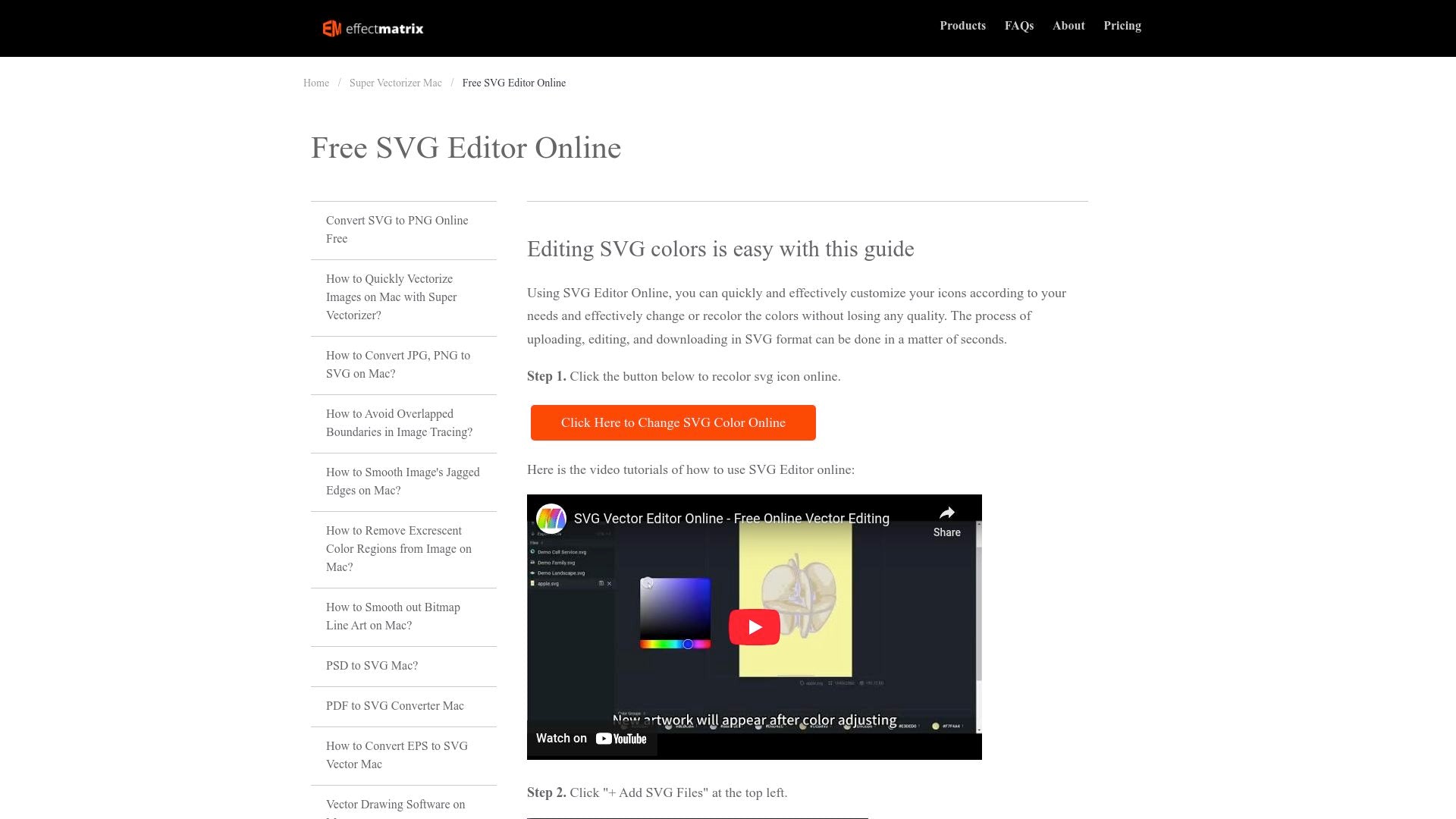
Our free online SVG editor allows you to create and edit vector designs directly in your browser without losing quality. Easily customize and recolor SVG icons with a variety of color palettes. Whether you're using the free basic features or opting for advanced tools with the paid plans, our editor ensures quick and effective design customization. Join the waitlist for early access to discounts and exclusive lifetime deals.
TL;DR

Best for
- Graphic Designers
- Web Developers
- Marketing Teams
- Freelancers
- Small Businesses

Alternative to
- Adobe Illustrator
- Inkscape
- CorelDRAW

Use Cases
- Editing SVG icons
- Customizing graphic colors
- Creating vector designs

Features
- Browser-based editing for SVG files.
- Easy color changes and icon customization.
- Free basic version with advanced paid options.
- Fast upload and download speeds.
Overview
The SVG Editor Online transforms how you edit SVG files directly in your browser. It caters to both beginners and professionals by offering free basic features and a paid version for advanced tools. The platform is user-friendly, allowing for quick uploads, edits, and downloads without compromising quality.
Effortless Editing
Users can easily modify SVG files, whether it's changing colors or customizing icons. The process is intuitive, ensuring even first-time users can navigate with ease. The platform supports a range of SVG modifications, making it versatile for different design needs.
- Quick color changes without quality loss
- Simple icon customization
- Accessible from any browser
Advanced Features for Professionals
The paid version offers advanced tools, more customization options, and an ad-free experience. This makes it ideal for professional designers looking for a comprehensive SVG editing solution.
- Advanced design tools
- Ad-free usage
- Competitive pricing for premium features
Seamless Experience
Uploading and downloading SVG files is seamless and fast. The editor's interface is designed to streamline the editing process, saving users time and effort.
- Fast upload and download speeds
- User-friendly interface
- Efficient workflow management
Conclusion
The SVG Editor Online is a powerful tool for anyone needing to edit SVG files efficiently. With its combination of free and premium options, it caters to a broad audience, ensuring everyone from hobbyists to professionals can achieve their design goals. Get started today and unlock your creative potential!
