

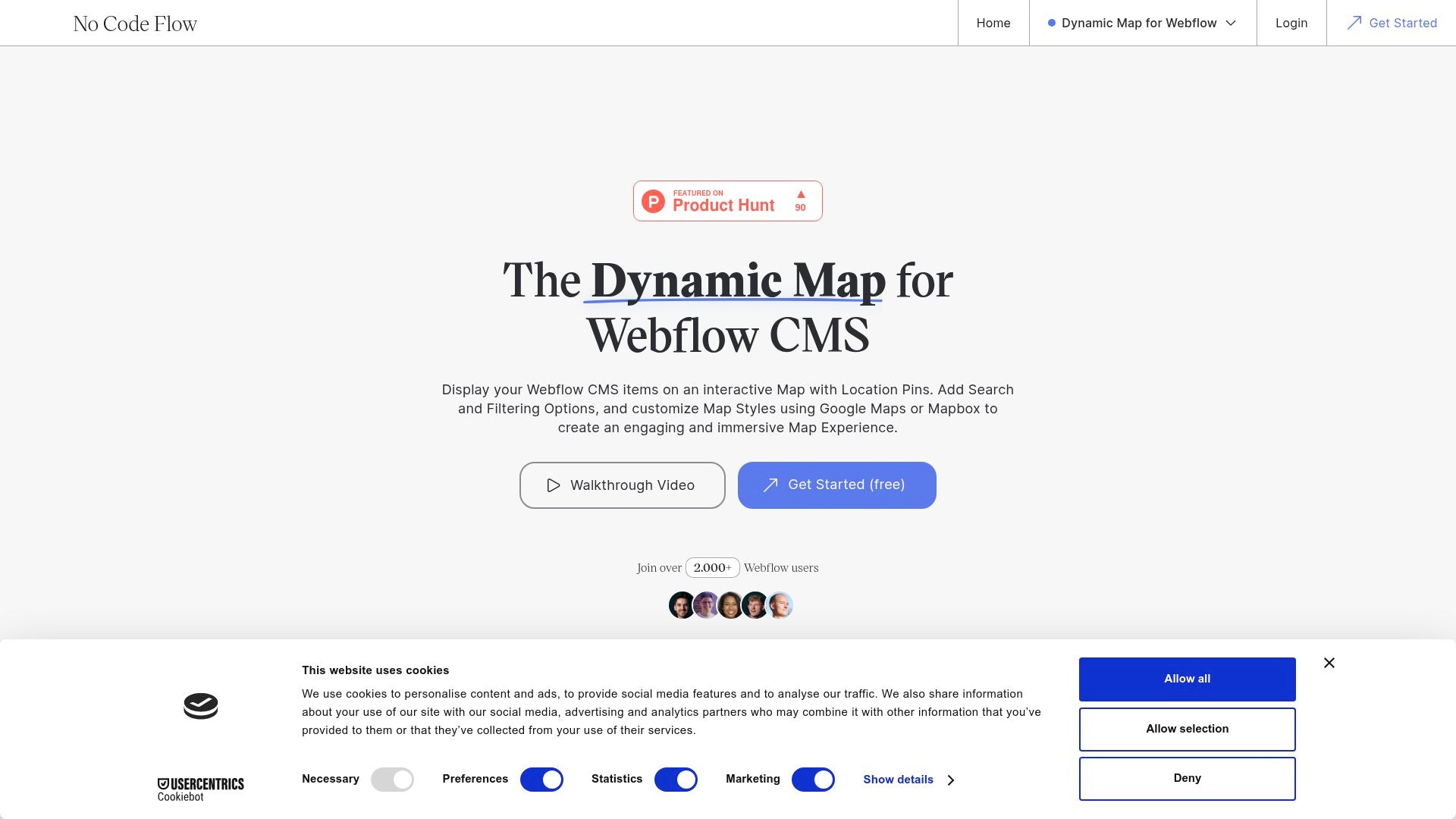
Dynamic Map is a Webflow app designed to create interactive maps with features like filters, custom pins, and Google Maps integration. It offers customizable templates and a new No Code Flow interface for easy project integration while maintaining design control. Enhancements include pop-ups, tooltips, and robust filtering, sorting, and search functionalities, creating a user-friendly experience. Join the waitlist for early access to a discount lifetime deal.
TL;DR

Best for
- Web Designers
- E-commerce Platforms
- Event Planners
- Real Estate Agents
- Marketing Agencies

Alternative to
- Google Maps
- Mapbox
- Leaflet

Use Cases
- Interactive Websites
- Dynamic Location Maps
- E-commerce Platforms

Features
- Customizable maps with seamless Webflow integration.
- Interactive features like tooltips and pop-ups.
- Robust filtering and sorting capabilities.
- Minimal user data storage with GDPR compliance.
Overview
Dynamic Map for Webflow empowers web designers with customizable and interactive map solutions. It integrates seamlessly with Webflow, offering user-friendly features and privacy-focused data handling. This tool is perfect for projects requiring dynamic map functionalities without coding.
Customizable Map Features
Dynamic Map allows users to customize every aspect of their map directly in Webflow Designer. You can tailor the map's appearance to match your brand and incorporate seamless interactions. Features like pop-ups, tooltips, and custom pins enhance user experience and engagement.
- Tailor your map's look to fit your brand identity.
- Interactive elements such as pop-ups and tooltips.
- Custom pins for personalized map markers.
Seamless Integration with Webflow
With Dynamic Map, users can integrate mapping solutions effortlessly into their Webflow projects. The tool supports Google Maps as an alternative and provides robust filtering and sorting options. This integration simplifies workflows and retains complete design control.
- Easy integration with Webflow projects.
- Google Maps option available.
- Filtering and sorting capabilities for enhanced interactivity.
Data Privacy and Compliance
Dynamic Map prioritizes user data privacy, storing minimal data necessary for operation. The server infrastructure meets GDPR standards, ensuring secure data handling and processing.
- Minimal user data storage.
- GDPR-compliant server infrastructure.
- Focus on privacy and data security.
Conclusion
Dynamic Map for Webflow is a powerful tool for creating interactive maps with ease and precision. Its seamless integration, customization options, and data privacy make it a top choice for web designers. Start enhancing your Webflow projects with Dynamic Map today!
